
0.5.0
Long Shadow
Long Shadow gives lettering and cut-outs the flat poster look, Gradient Fill can repeat and dither, and Blemish removal blends in more naturally.
New
Long Shadow
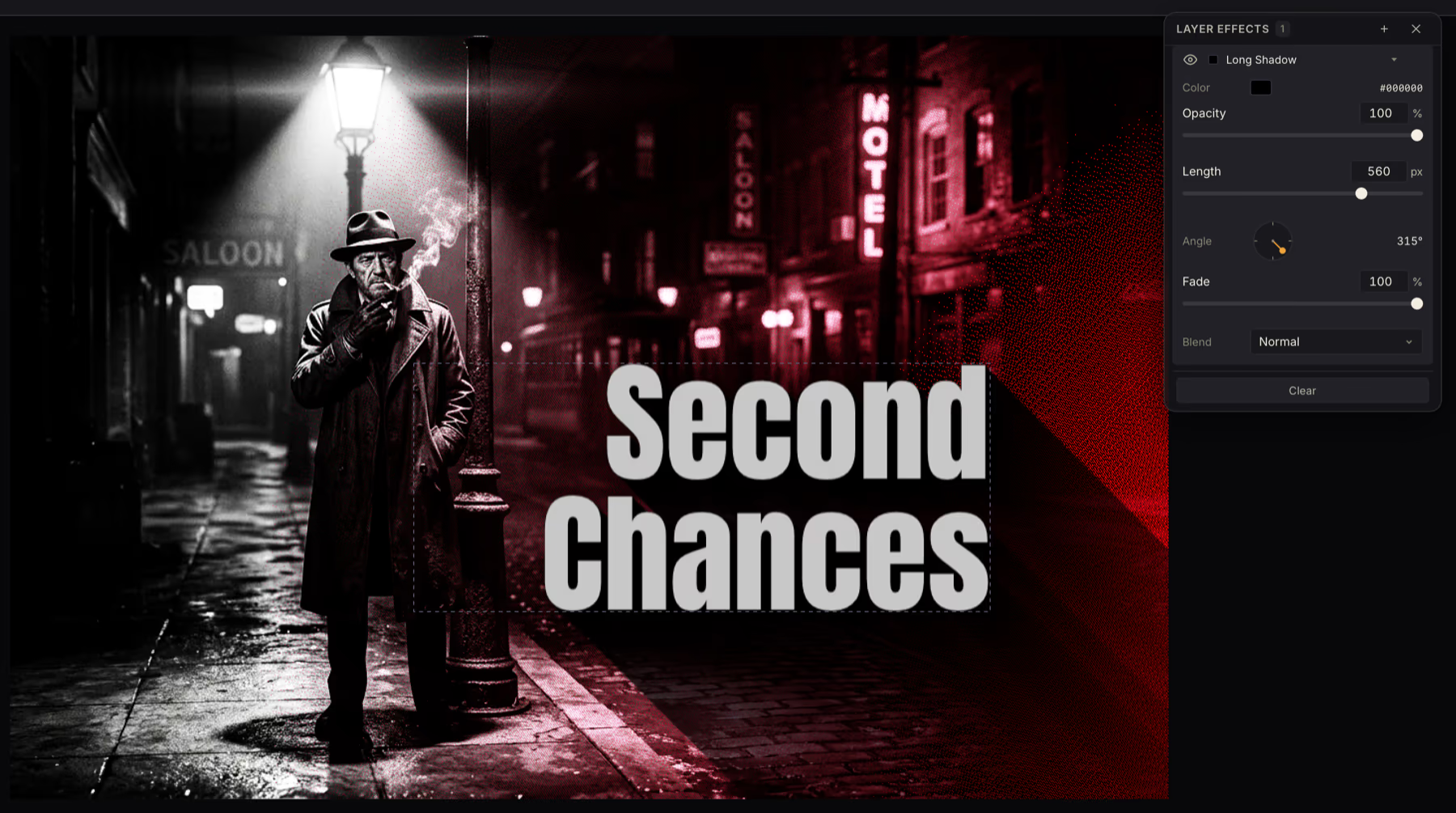
A new layer effect that sweeps a layer's silhouette out along an angle in one flat, hard-edged color: the classic poster and logo look. Set the Color, Opacity, Length, Angle, Fade (how much of the shadow has melted away by its tip) and Blend mode. If the layer has an outside stroke, the shadow is cast by the outlined shape, so lettering with an outline gets the shadow you'd expect.
Length can run right off the canvas, and it stays quick however long the shadow is or however big the document is. Long Shadow works on picture and text layers; add it from Layer ▸ Layer Effects, the Fx button on a layer, or with ⌘K.
Repeat and Dither for Gradient Fill
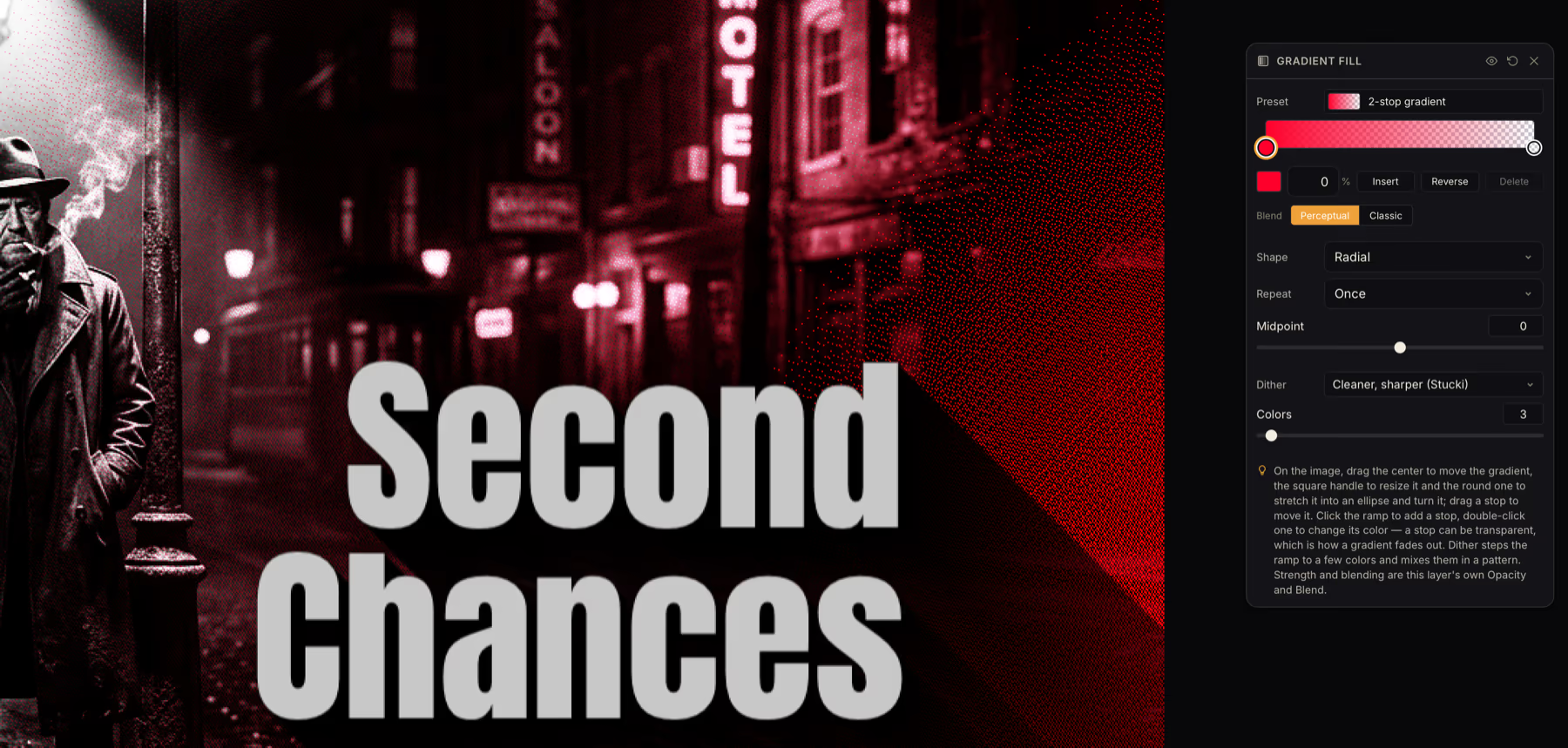
Repeat carries the gradient past its end: Once stops there, Repeat starts over, and Ping-pong runs it back again, which is how you get stripes and rings.
Dither steps the gradient down to a few colors and mixes neighboring steps in a pattern, using the same methods as Posterize: Ordered, Hatching, Classic, Smoother and Cleaner, sharper. Transparency dithers too, so a gradient that fades out turns into a stipple, like the red corner of this poster.
Improved
-
Blemish removal blends into lit skin
Face Retouching used to fill each spot with a flat average of the skin around it, which left dull patches on a nose highlight or the shadow side of a cheek. It now carries the surrounding tone across the spot, and never darkens a pixel by more than a hair. It also finds pimples that had merged into one blob, leaves lashes, brows, lips and nostrils alone, and at high sensitivity picks up small, mild dark marks too.
-
Drop shadows and glows sized for the layer
New drop shadows and outer glows now size themselves to the layer instead of the whole document, so a small logo no longer gets a shadow built for a poster. Drop shadows start stronger, at Opacity 100 and Hardness 25, and the slider that read Blur now reads Size.
-
Merge Down a clipped live filter into a cut-out layer
A live filter clipped to a layer can now be merged down into that layer even when it has transparent areas or soft edges. A filter that isn't clipped still needs a fully opaque layer, and the message now tells you to clip it.
-
Confirm before replacing a license
Opening an activation link while a different license is installed now asks first and tells you which license is which. Opening the same one twice asks nothing, and a successful activation takes you to Preferences ▸ License.
Fixed
- Right-aligned text in an italic or slanted font no longer loses the tips of its last letters at the edge of a fixed-size text box.