Closed beta · All 25 seats taken

Product photos that look pro, in one click.

Own your photo editor. Pay for AI only when you use it.

A native layer-based photo editor for macOS. Real non-destructive masks, on-device neural depth effects, and transparent pay-as-you-go AI. No subscription landlords. I hand-picked 25 creators who edit photos for their work to push it hard and shape v1; the First 25 keep it free for life. The beta is full, but you can join the waiting list in case a seat opens up, or to be told when the free trial starts.

Waiting list open · Free trial after the beta · No credit card needed
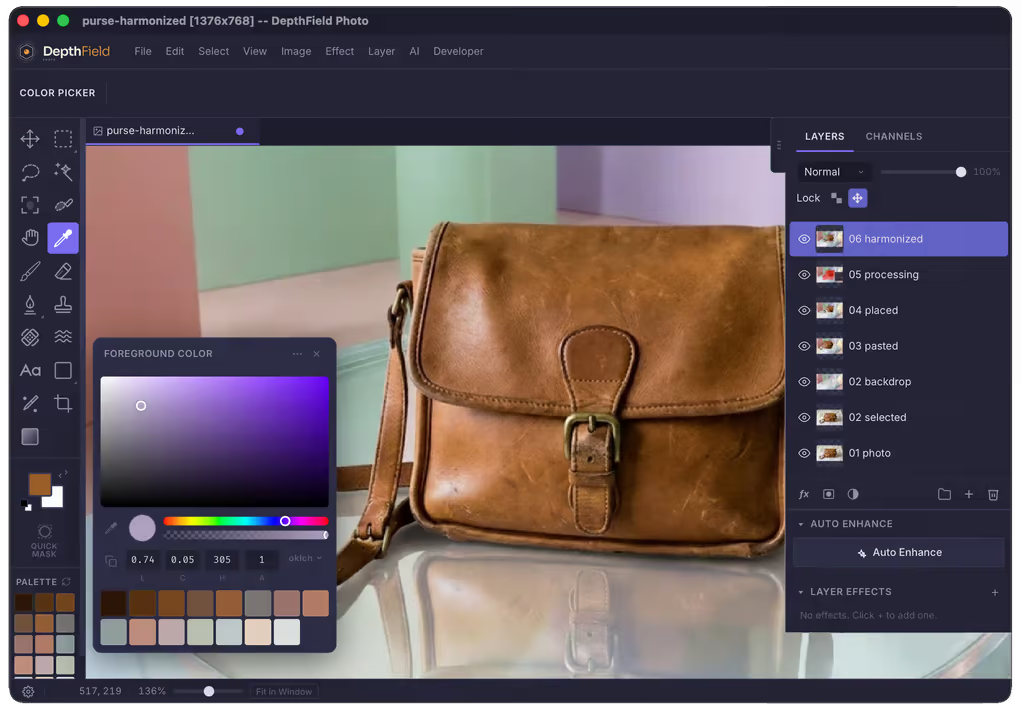
DepthField Photo macOS Editor interface showing layers, tools, and color grading

[ 01 — CAPABILITIES ]

See it work

State-of-the-art generative AI at your fingertips in a fully-featured layered editor for professional-grade photo manipulation. One-click selections, live filters, built-in agentic chat assistant, and intelligent content-aware tools.

01 / SUBJECT ISOLATION

Lift the subject out. Keep a clean plate.

One click pops the subject onto its own non-destructive layer — and automatically fills in the background plate it left behind.

  • Single-click subject segmentation with edge preservation
  • Automatic background inpaint fill behind the subject
  • Edge decontamination to eliminate background fringing
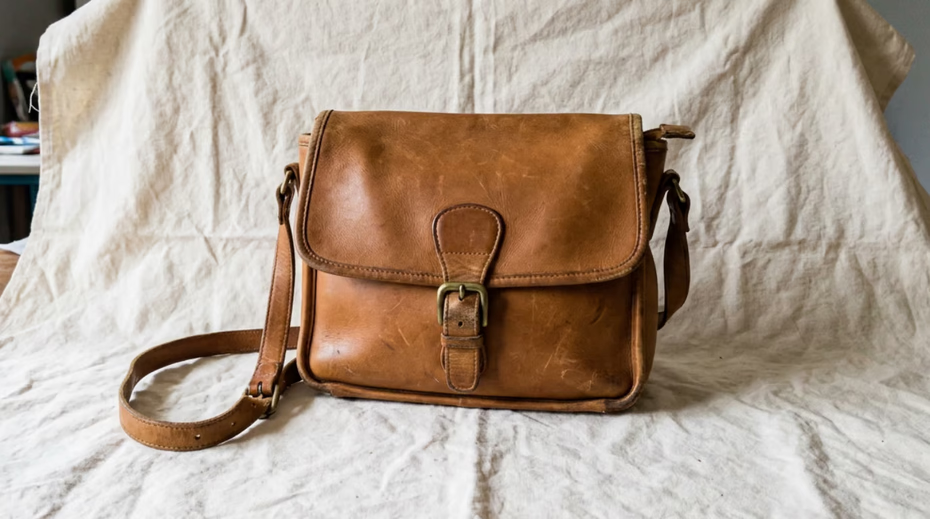
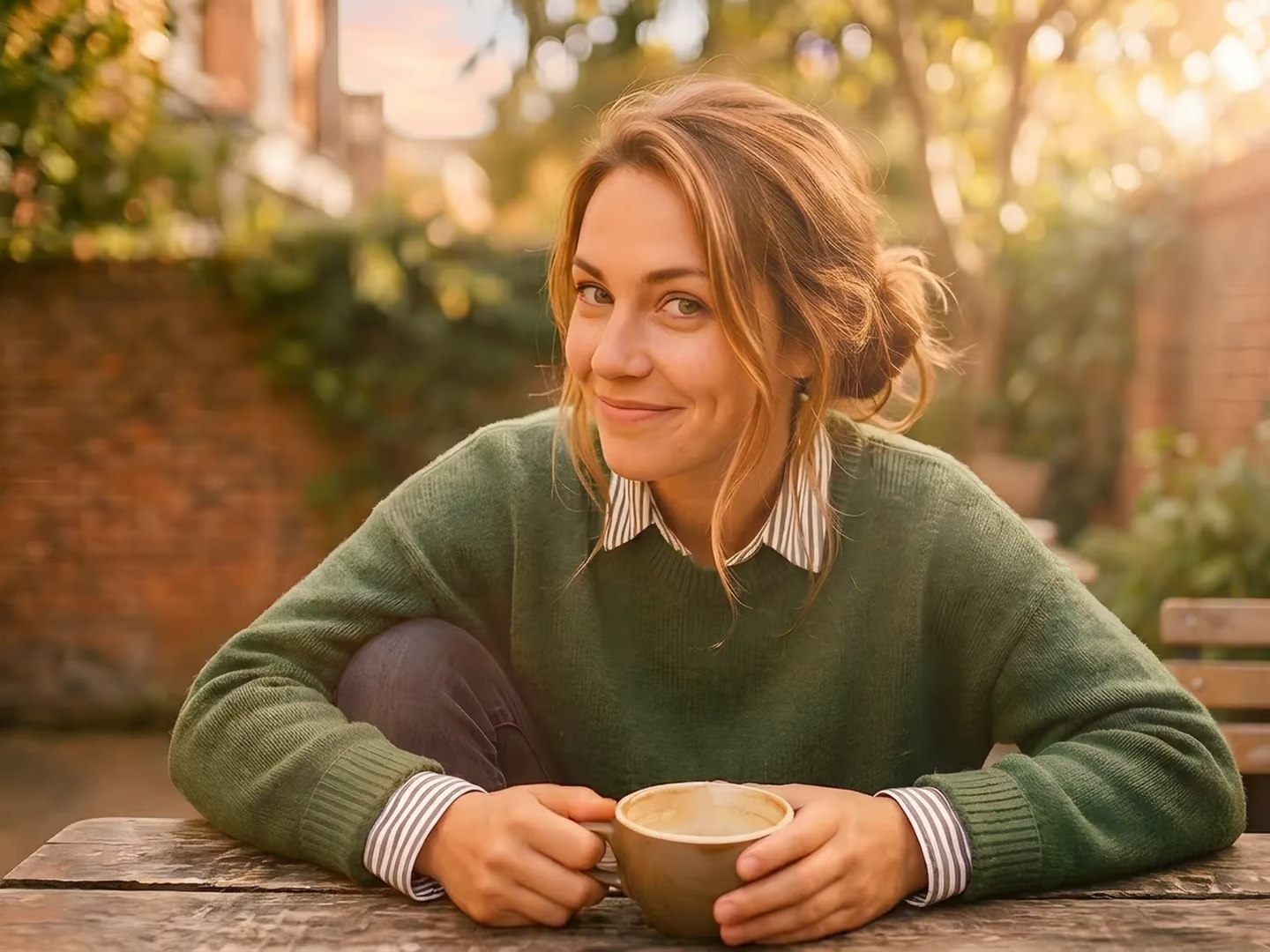
Original photo before AI replacement
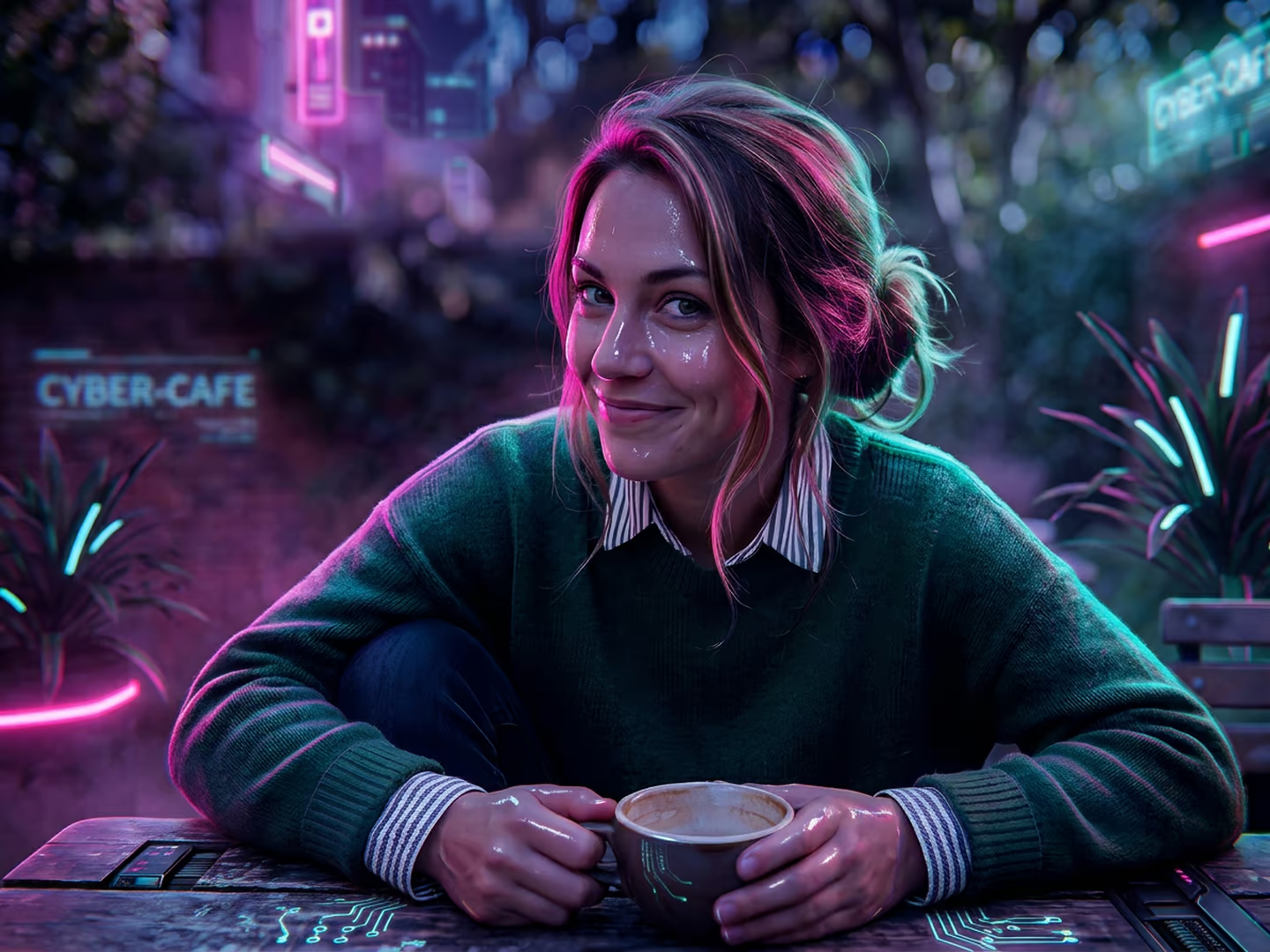
The same photo after replacing a region with AI
BEFORE AFTER

02 / GENERATIVE REPLACE

Ask and you shall replace.

Rough-select a region, type your prompt, and pick the best take — layered non-destructively and seamlessly integrated into your scene.

  • Run multi-model variations and pick the best result
  • Harmonize color and lighting for seamless matching
  • Powered by Nano Banana Pro, GPT-Image 2.5, Grok Image 2, and more

03 / ON-DEVICE DEPTH

Five ways to use the third dimension.

Bokeh, relight, atmospheric fog, tilt-shift, sunrays — each reading the true 3D depth of the scene, updating live as you drag the sliders.

  • On-device Neural Engine depth estimation (10ms latency)
  • Interactive depth picker directly on the image
  • Realistic aperture bokeh discs with specular highlights
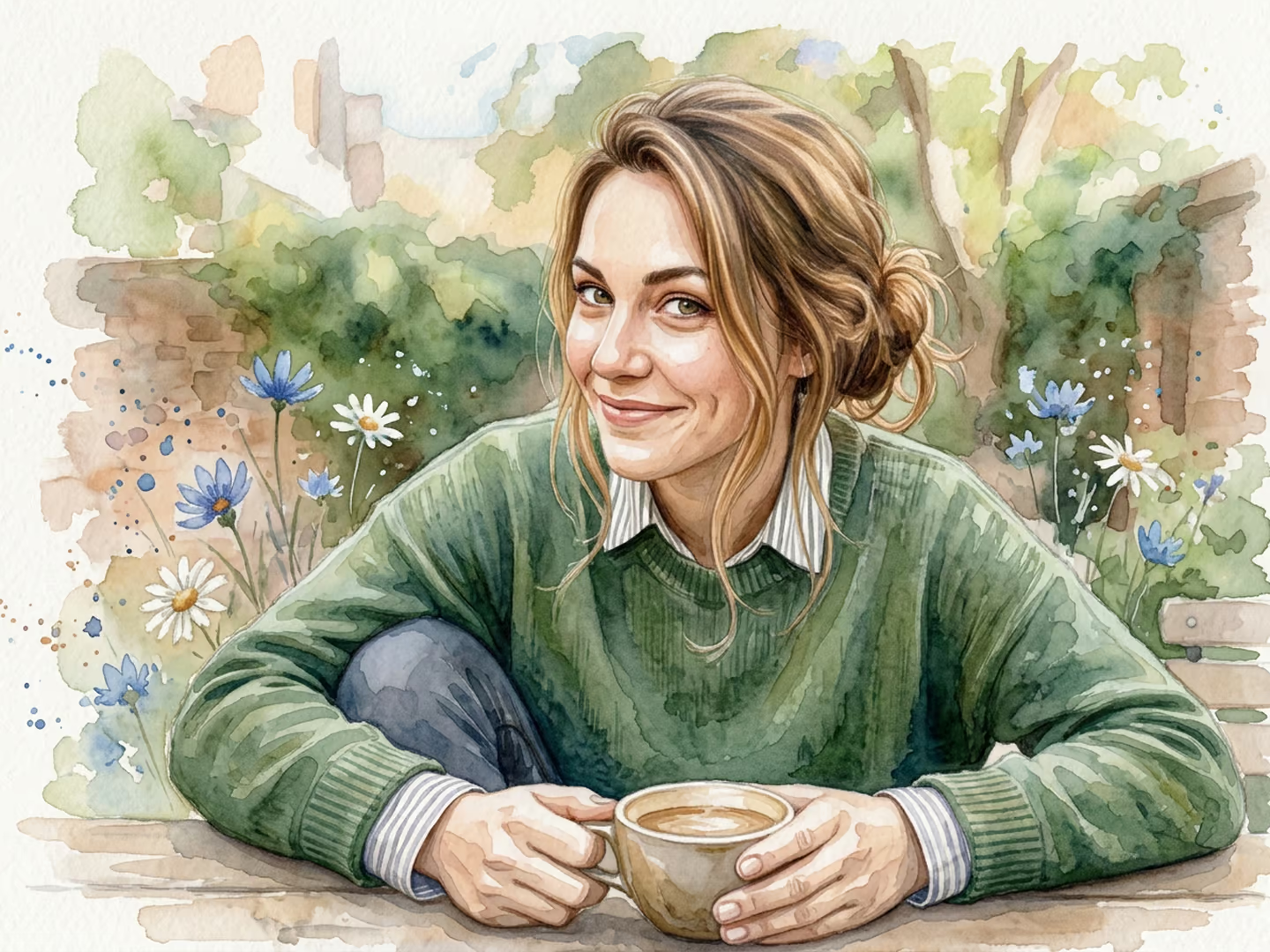
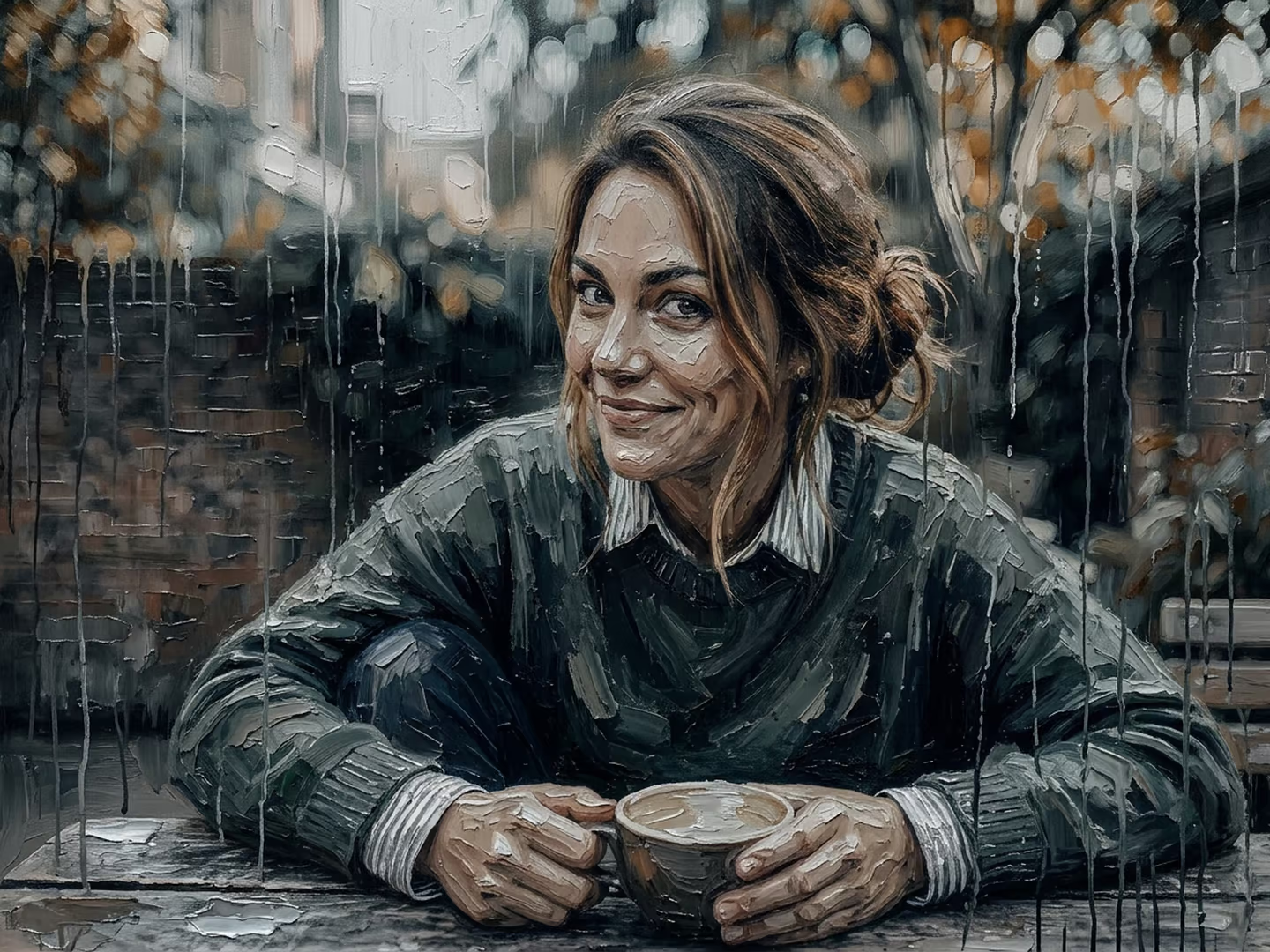
Original photo Original

04 / PHOTOGRAPHIC STYLES

One photo. Any look you want.

Golden hour, analog film grain, cinematic moods, or artistic effects — applied across the entire frame in a click, while maintaining subject identity and pose.

  • Style gallery with 50+ popular photographic looks and effects
  • Non-destructive adjustment layer recipes you can inspect and tweak
  • Create, save, and share custom styles
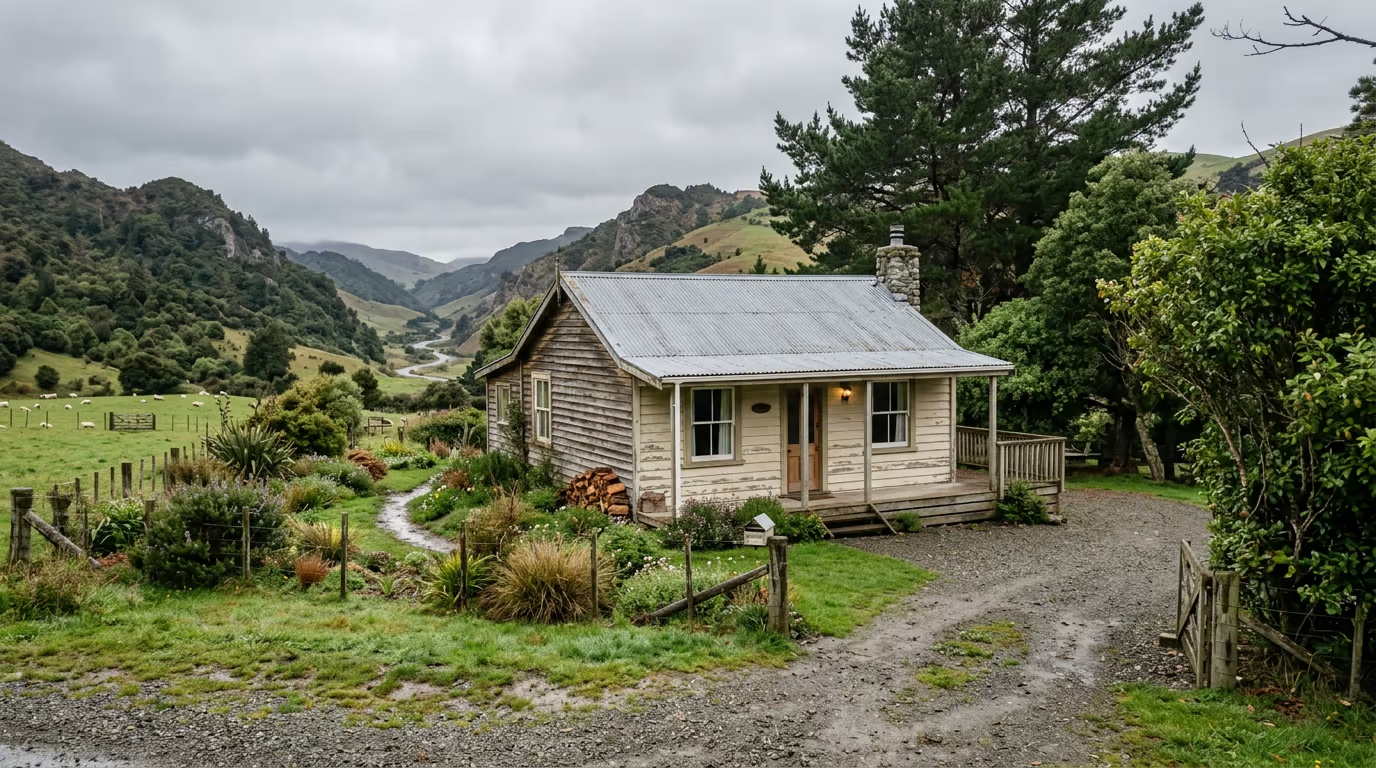
Cottage with flat overcast sky
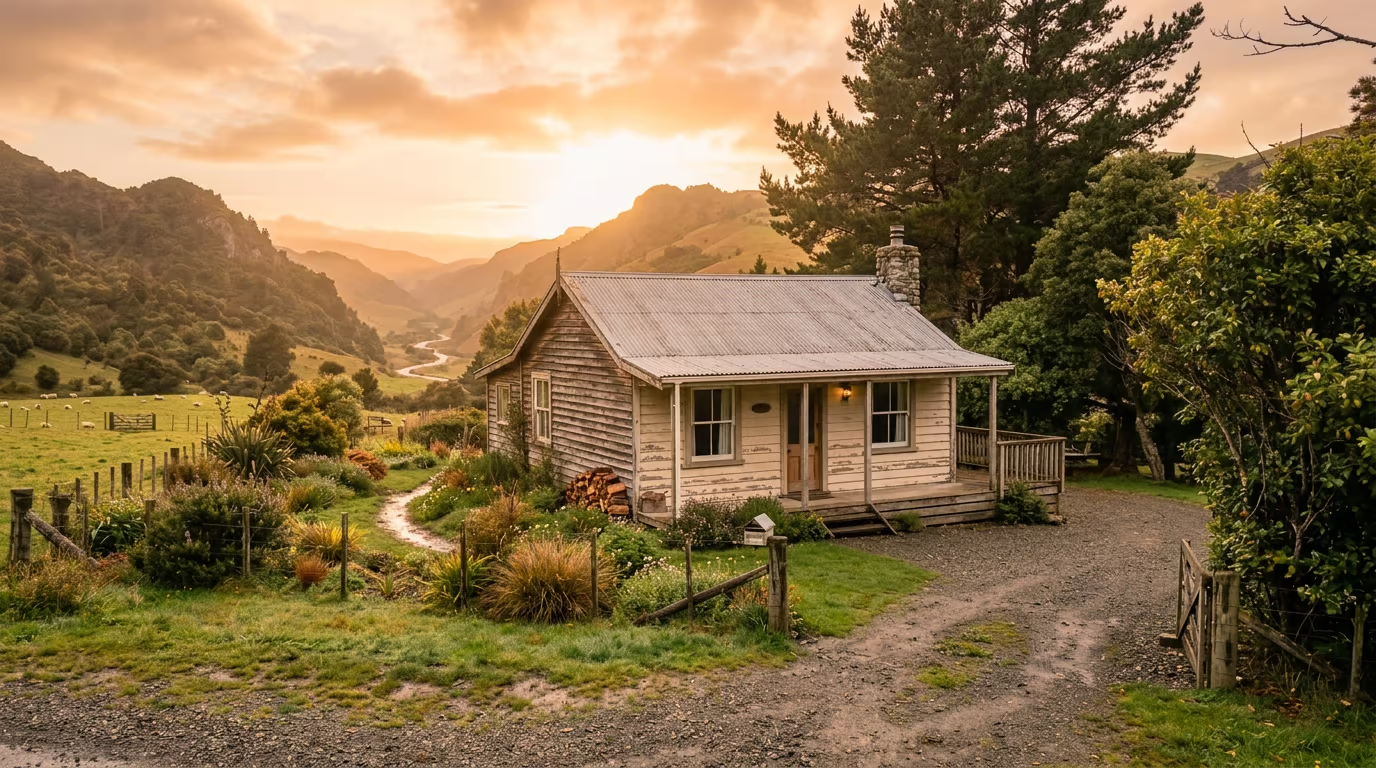
Cottage with warm golden hour sky
BEFORE AFTER

05 / SKY REPLACEMENT

The sky is no limit.

Trade a flat, blown-out sky for golden hour, blue hour, or a dramatic storm — and the landscape automatically harmonizes its foreground lighting to match.

[ 02 — ARCHITECTURE ]

Engineered for the craft

A professional desktop image editor built from the ground up for performance and creative independence.

LAYER COMPOSITOR 01

True Non-Destructive Engine

Not a phone app with stickers. DepthField Photo features real layers, clipping masks, vector pen paths, 25 blend modes, live adjustment filters, dynamic text layers with Google Fonts, and infinite undo history.

APPLE SILICON 02

On-Device Intelligence

Runs natively on Apple Metal GPU and Neural Engine. Over 70% of operations — including portrait blur (bokeh), sunrays, subject isolation, and color grading — run entirely on your Mac with zero cloud latency and at no cost.

0ms Neural Engine
Cloud latency on filters, depth & segmentation
FILE FREEDOM 03

Open Standards, No Lock-In

Import from the Adobe ecosystem (.psd, .ai) and export back to .psd (not all features supported). Full support for OpenRaster (.ora), plus .png, .jpeg, .webp, .avif, .heic, .svg, and more. Even DepthField's own .dfp format is open and documented — third-party integrations are welcome. Your creative work belongs to you.

HONEST ECONOMICS 04

Transparent Pay-As-You-Go AI

No monthly subscription. When you use cloud AI models, you see the exact cost in real dollars down to micro-cents before you click. No artificial token markups, no surprise billing.

The First 25 Beta Free for life Join the waiting list

[ 03 — THE INVITATION ]

The deal: honest collaboration

No automated feedback surveys. No corporate PR handlers. A direct, respectful partnership between craftspeople. This is the deal the 25 beta testers have — and what you'd get if a seat opens up for you.

Beta testers get

  • Free lifetime license to DepthField Photo v1 — plus a free upgrade to v2 when it ships.
  • Permanent credit in the About window. The First 25 are immortalized in every copy of DepthField Photo (opt-out if you prefer anonymity).
  • Direct line to the developer. Bugs, workflow gripes, feature requests, and ideas — read directly by me.
  • A real voice in the roadmap. I build the features that save you hours every week.

In exchange, I ask for

  • Use it for your real work. Edit the photos you'd be editing anyway, and hit the Feedback button in the app whenever something breaks, confuses you, or sparks an idea.
  • Honest written feedback at the end of week 1 and week 2. Bullet points are fine; longer thoughts are always welcome.

That's it. No money changes hands during the beta. No NDA. Nothing locked behind an enterprise contract. If you decide DepthField Photo isn't for you, walk away — the free lifetime license remains yours.

[ 04 — PHILOSOPHY ]

Tools, not taxes.

Somewhere along the way, your creative tools became subscriptions. The editor you used to own became a recurring bill, charging you whether you used it or not. The AI inside it gets cheaper to run every month — but you'd never know it from the price of your ever-expiring "credits".

I believe you should own what you buy, see what things actually cost, and pay only for what you use.

DepthField exists to prove that's still possible.

The Data Sovereignty Pledge

Your creative work is your property. Four simple principles, guaranteed:

Never sold, never shared

Not with advertisers, not with data brokers, not with anyone.

Your privacy in your hands

No image, layer, or filename ever leaves your computer unless you explicitly choose a cloud AI edit.

Analytics off by default

Anonymous telemetry is strictly opt-in, with zero account attachment.

Permanent offline freedom

The editor works offline indefinitely on your Mac.

[ 05 — PARTICIPANTS ]

Who I'm looking for

This beta is tailored for people who edit images as a real, recurring part of their business or craft:

A strong fit
  • Startup founders & solo entrepreneurs
    Building a distinct brand and doing hands-on visual marketing without an in-house design team.
  • Etsy, Shopify & print-on-demand sellers
    Creating product mockups, listing photos, and social collateral that convert shoppers.
  • Vintage, collectibles & secondhand resellers
    Refining clean, accurate product photos that build buyer trust and move inventory.
  • Airbnb hosts & real-estate managers
    Enhancing property photos, balancing indoor lighting, and making spaces look their best.
  • Writers, podcasters & independent creators
    Producing high-frequency visual assets, covers, and editorial imagery.
Probably not a fit
  • You edit photos only a couple times a year
    The beta needs a more frequent photo editing workflow to provide meaningful feedback.
  • You're locked into Adobe enterprise pipelines
    If your team requires InDesign/Creative Cloud sync integration, you aren't the target user for DepthField Photo.
  • You're looking for AI video generation
    DepthField Photo is currently focused on still photography and digital image editing, but keep an eye out for future updates.
  • Developer & technical reviewers
    I have separate channels for technical press; please reach out directly.

[ 06 — WAITING LIST ]

Join the waiting list

All 25 closed-beta seats are taken. Leave your details below and I'll email you if a seat opens up — a tester who never gets started may hand theirs on — or when the closed beta ends and the free trial opens to everyone. No portfolio, no technical test.

Jens Roland, founder of DepthField Photo Jens Roland, founder of DepthField Photo

Hi, I'm Jens.

I've been building software for three decades, and DepthField Photo is the editor of my dreams: one with the power of a professional photo editing suite at a price tag for everyone, with all the instant movie magic of Hollywood software — "Enhance!"

There are no investors and no growth marketers. I hand-picked 25 people because at this stage every single piece of feedback matters — and every note they send lands directly with me, the person who built it.

Jens Roland Creator of DepthField Photo · Copenhagen

Waiting List

Beta is full - 100% free to join

Your name and email are used exclusively to contact you about a beta seat or the free trial — leave the box unticked and I'll only write when the trial opens. No spam, no data selling, no advertising. Privacy pledge.

[ 07 — FAQ ]

Potentially asked questions

What does "beta" mean here?

The core editor is substantially complete and stable, but I haven't put it in front of real workflows at scale yet. Expect some rough edges: certain secondary flows aren't polished and minor bugs may pop up. I'll fix what you report rapidly. Features may shift or refine based on what I learn from this cohort. It's macOS-only at this stage and needs an Apple Silicon Mac; Windows is on the roadmap for later.

How long is the beta?

About 2–3 weeks of active testing. Your free lifetime license stays yours forever regardless of how heavily you use it during the beta.

What kind of feedback are you looking for?

Honest, unfiltered reactions. What felt intuitive? What confused you? What did you try to do and couldn't find? Quick gut reactions in week 1, and more considered workflow thoughts in week 2.

What happens after the beta?

The closed beta is followed by an early-access founders' program — a discounted phase for early supporters — and then a public launch (v1.0) later in 2026. Both open with a free trial, so anyone can try DepthField Photo before paying anything. Your free lifetime license carries through every stage — beta, founders' release, v1, and a free upgrade to v2.

What's the catch?

There isn't one. The beta provides the candid user feedback I need to ensure DepthField Photo is genuinely great before launch. Beta testers get the tool free forever in exchange for trying it on their real work and two short notes.

Will I be on the hook for AI costs during the beta?

No. Cloud AI credits are on me during the beta — your copy comes with $10 of cloud AI included (good for hundreds of generative edits), with no setup beyond signing in. Prefer to bring your own API key? That works too at zero markup. Over 70% of the app (including depth estimation and subject isolation) runs entirely on your Mac with no cloud calls at all.

Can a friend or colleague join too?

Yes! Please share this page — they can join the waiting list too. I'm keeping the beta strictly capped at 25 so I can personally engage with every participant.

The 25 seats are full — what does the waiting list do?

You'll hear from me in two cases: a seat opens up (some testers haven't started yet, and I may hand unused seats to people on the list), or the closed beta ends and the free trial opens to everyone (the founders' program and v1.0 both start with it). Tick the box on the form if you want to be considered for a seat; otherwise I'll only write when the trial opens. No spam.

What about my privacy?

Zero ad tracking, zero data selling. In practice:

  • The waiting-list form captures your name and email solely so I can contact you about a beta seat or the free trial.
  • Your work — images, layers, and prompts — never leaves your Mac unless you explicitly run a cloud AI edit.
  • Update checks happen at most once a day. The request says which version you're running and whether it's licensed or in the free trial. No ID, no account, nothing that ties it to you or your Mac. I count them per day to see how many people use each version.
  • Anonymous usage stats are off until you turn them on. They include things like error and crash reports, which features get used the most, and, if you use the search box, the search term and whether you found what you were looking for — never your images, layers, prompts, or file names.