
You’ve seen this editor before
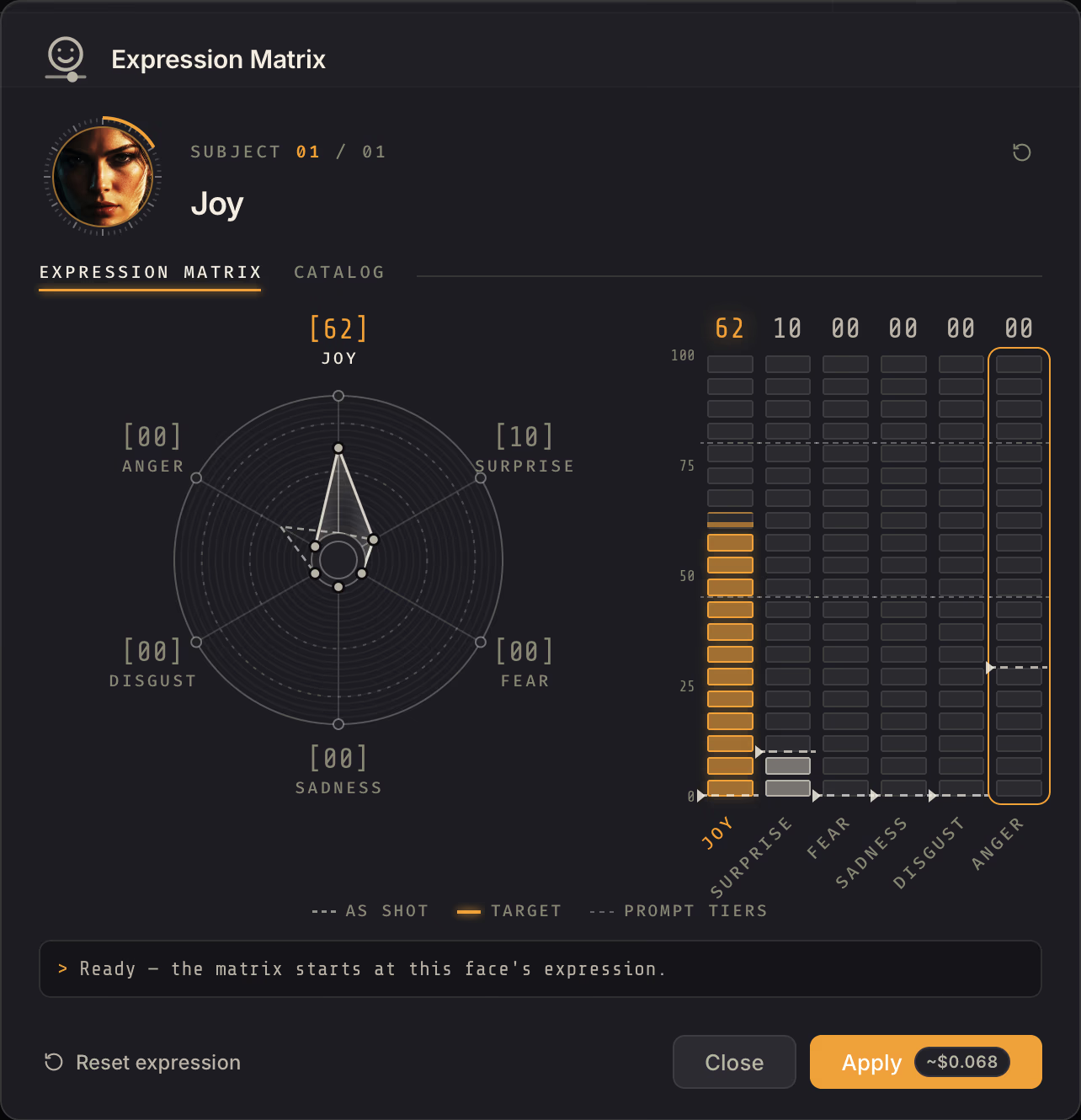
In every movie about the future. A photo editor where the weather is a setting and a smile is a slider.
Free trial macOS 26+ Apple Silicon
You don’t think in pixels. Why should your editor?
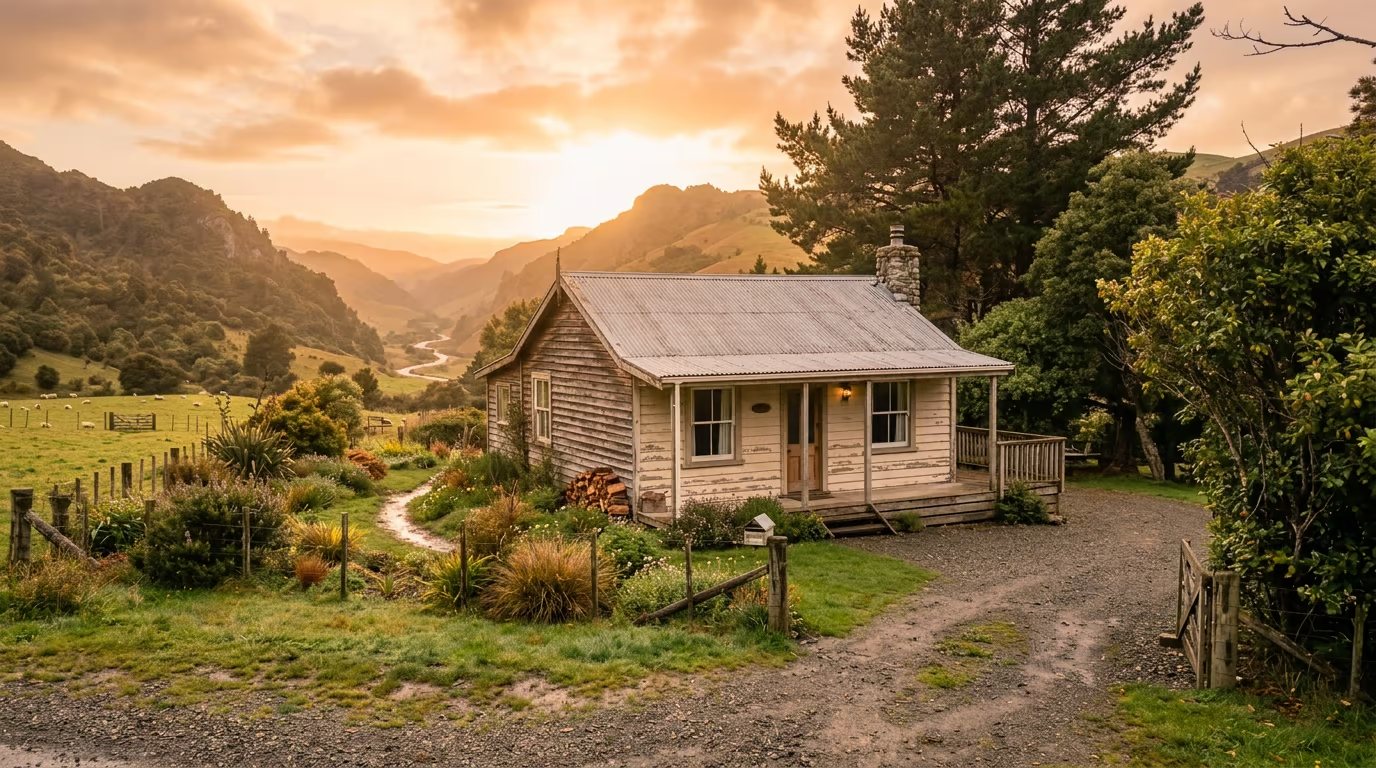
In DepthField, nothing is just pixels and everything takes requests.
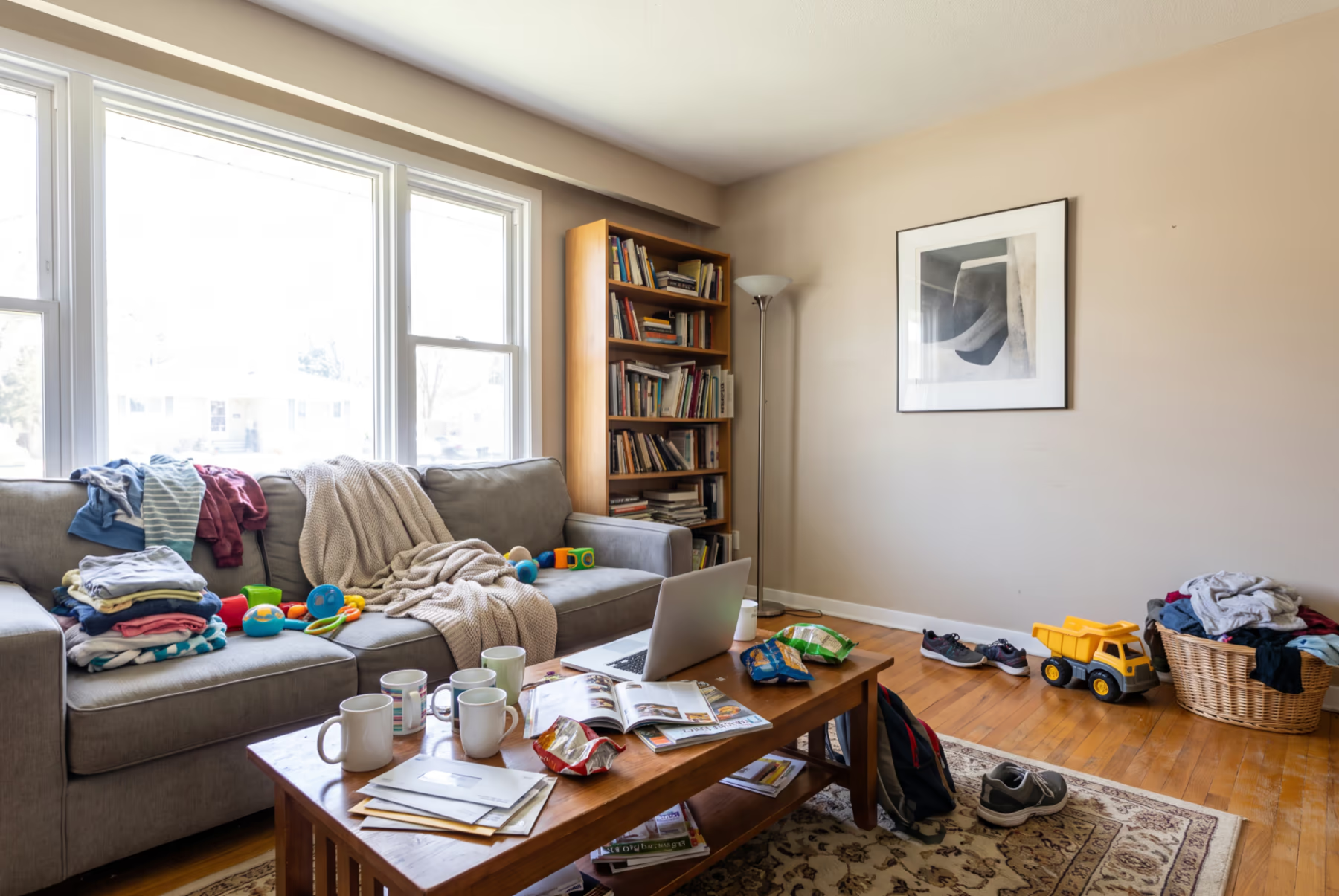 Before
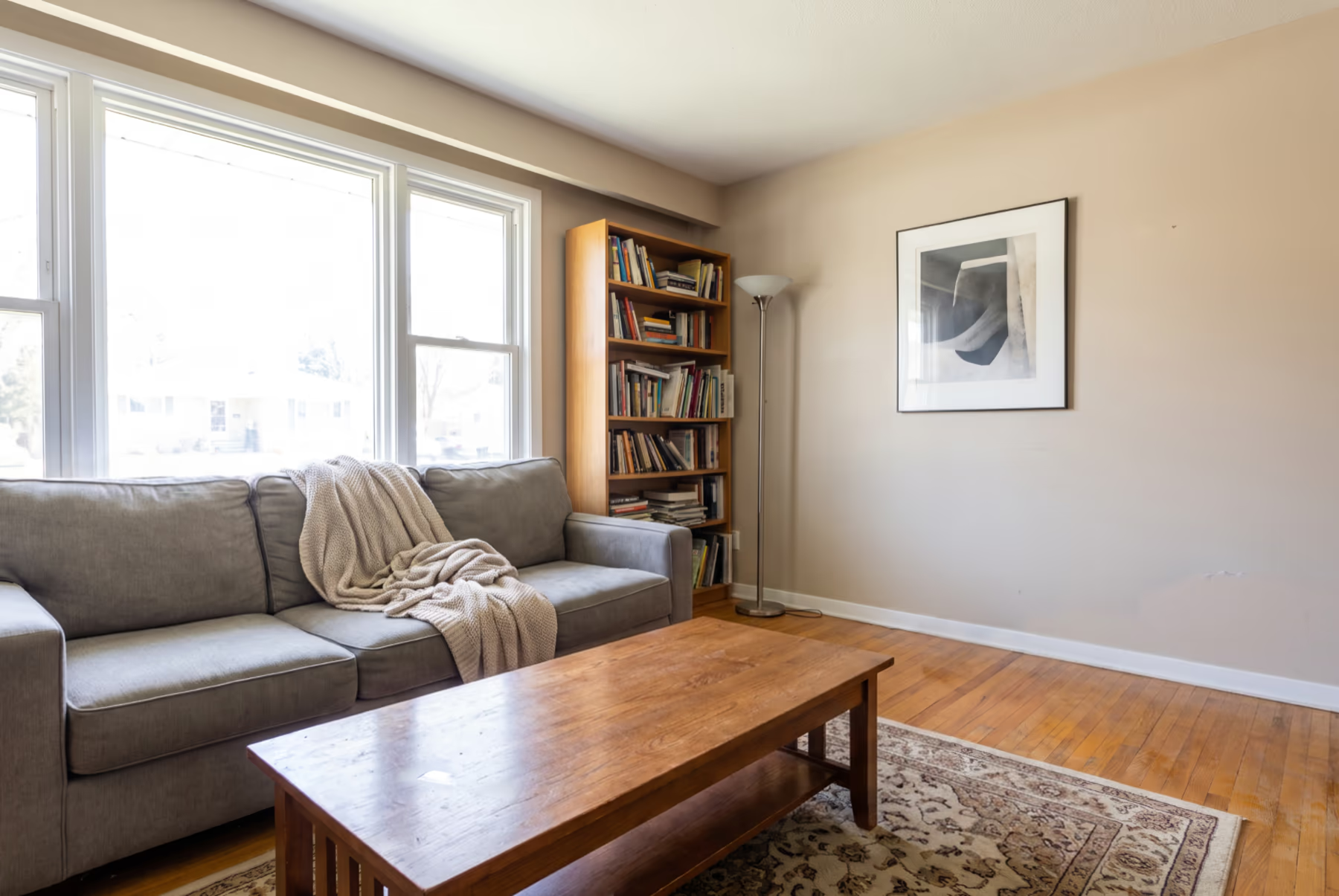 After
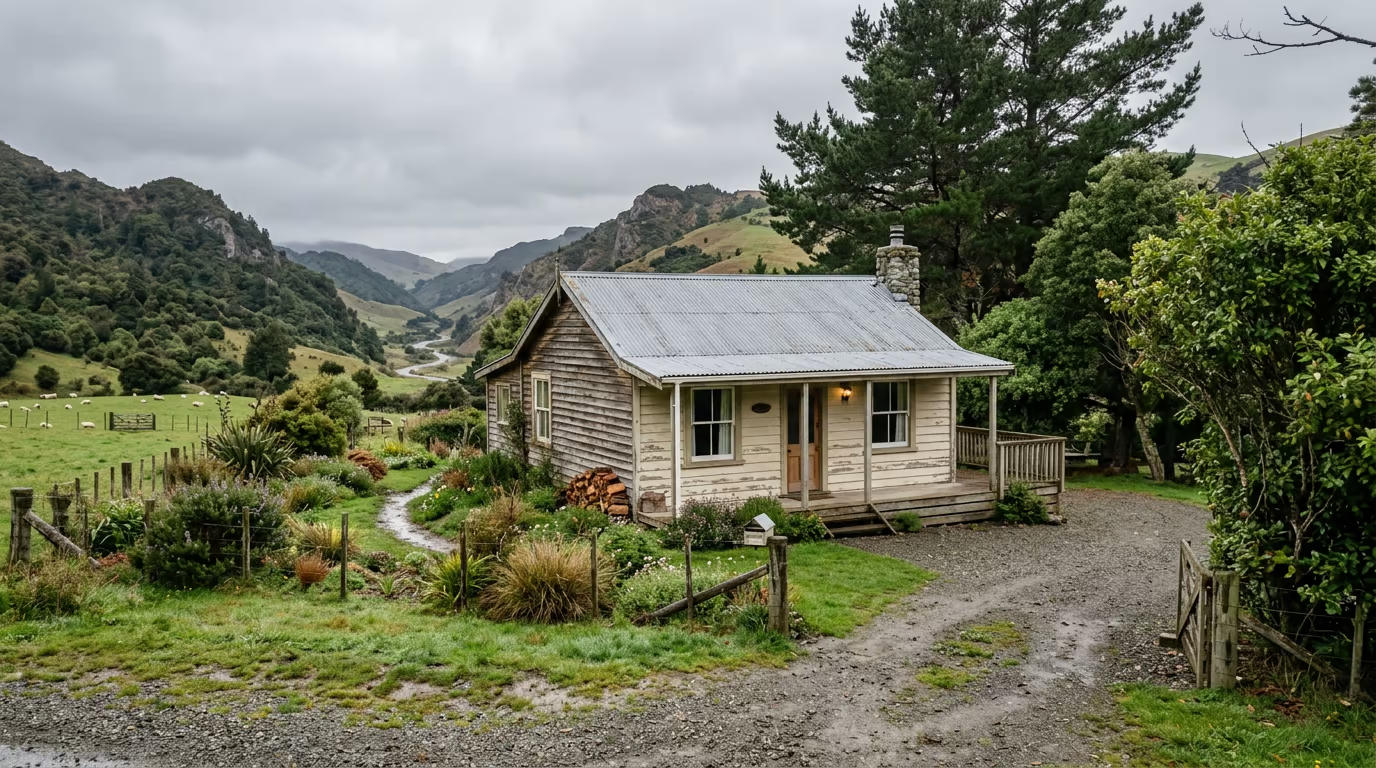
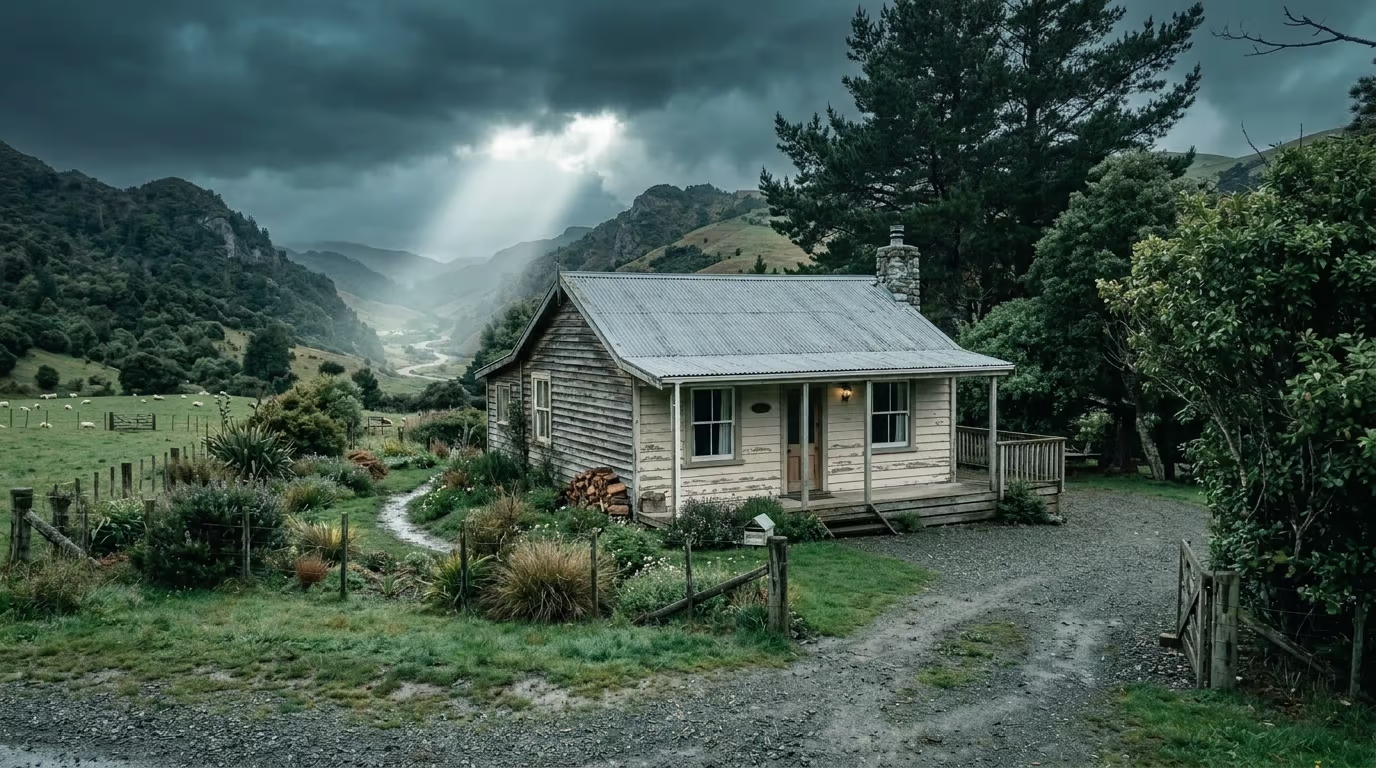
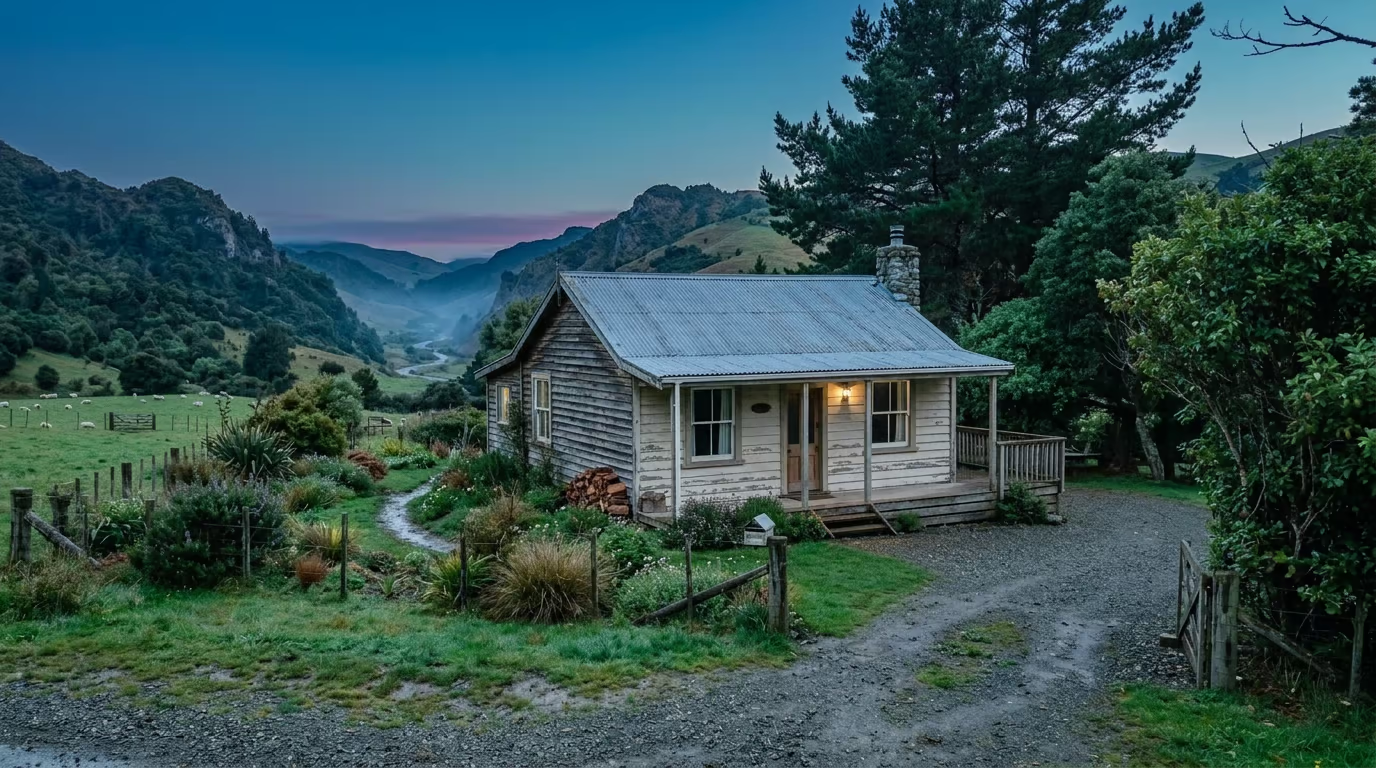
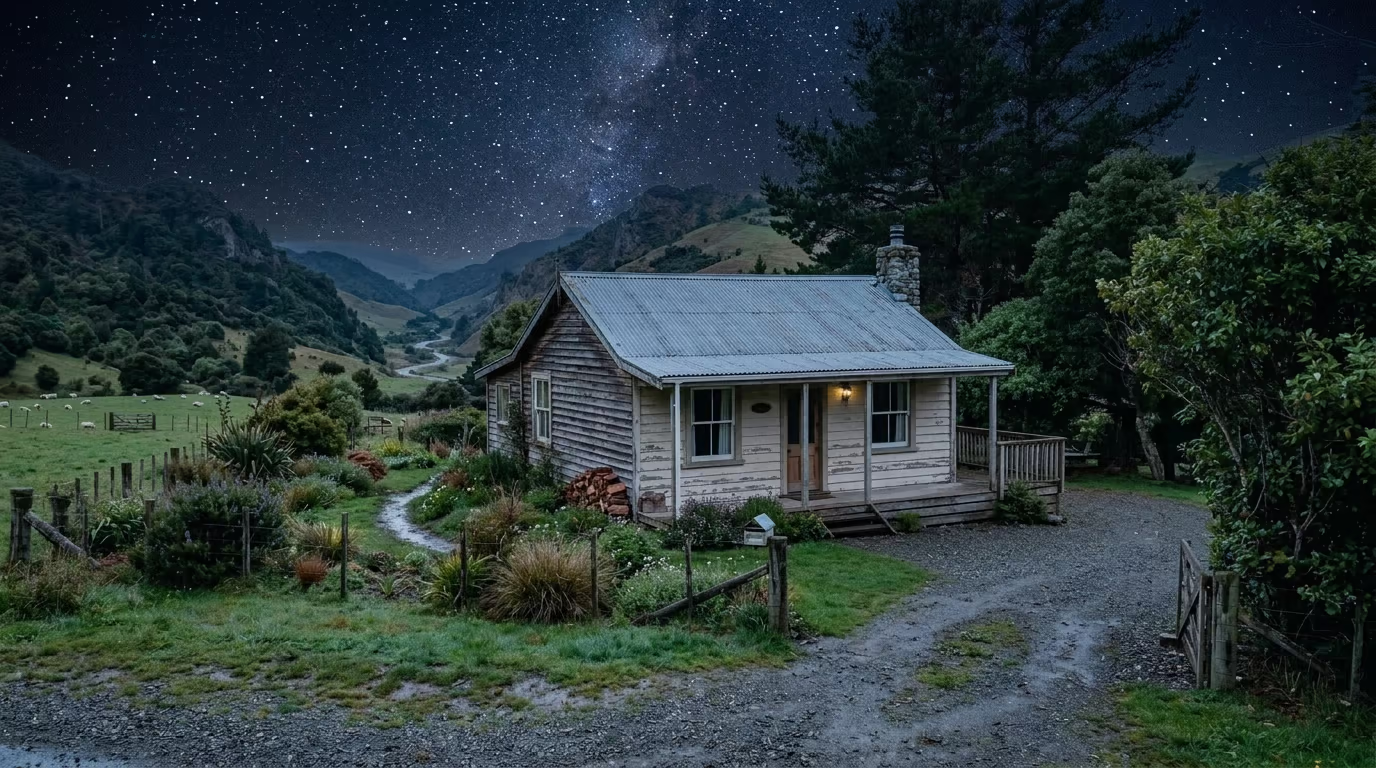
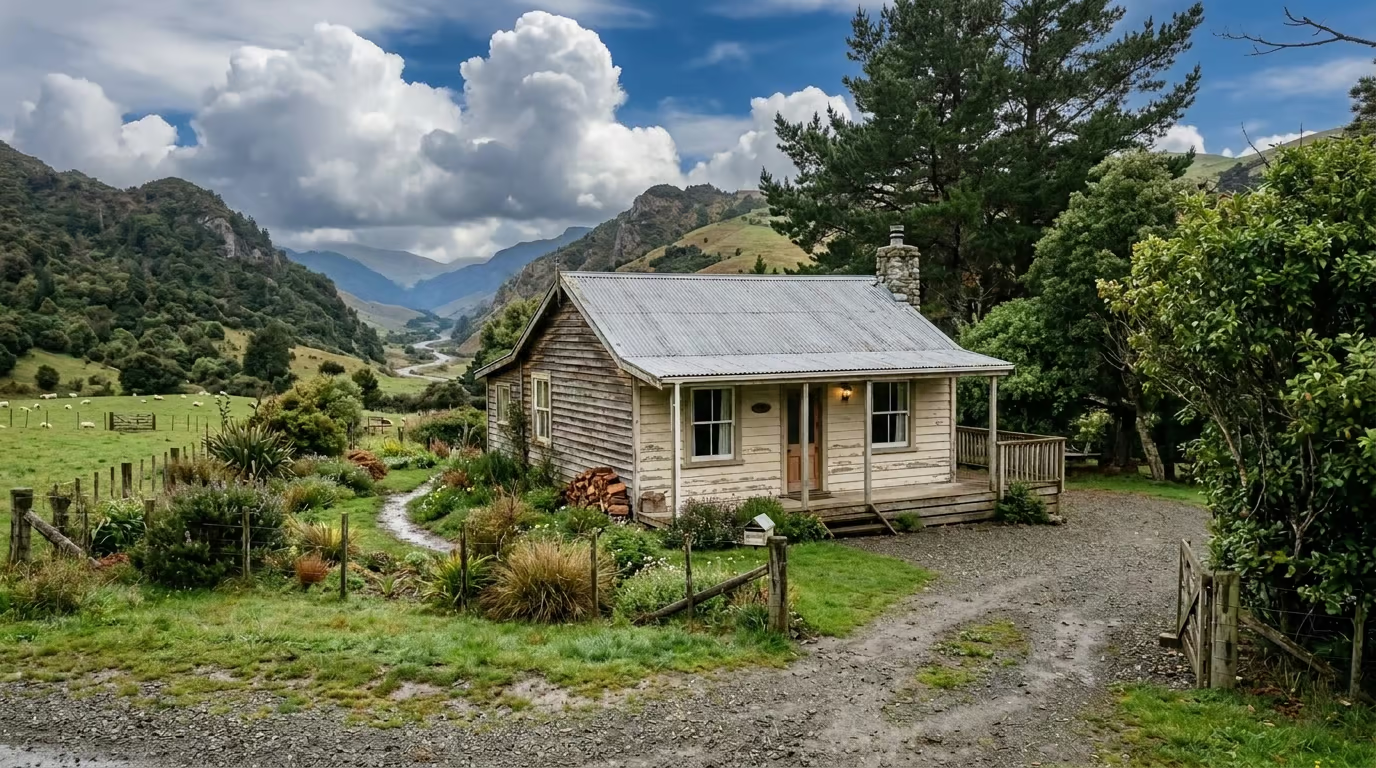
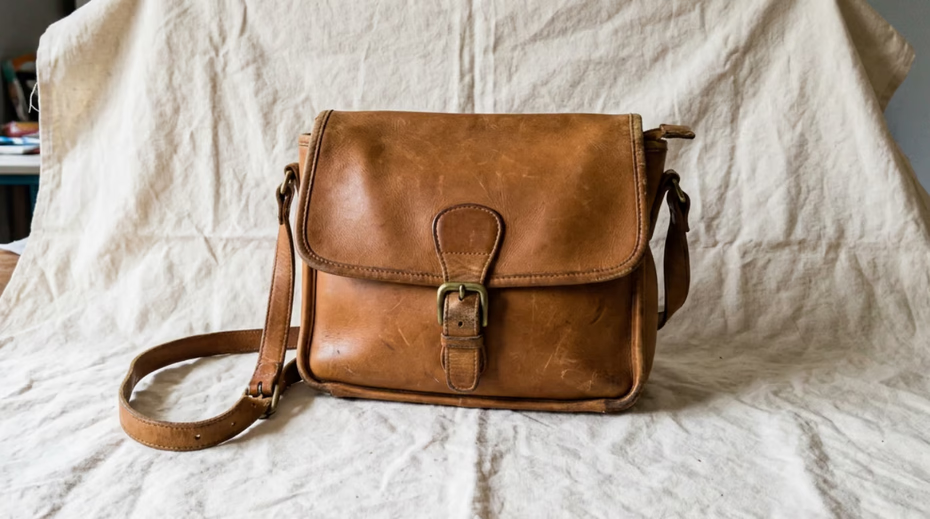 Before
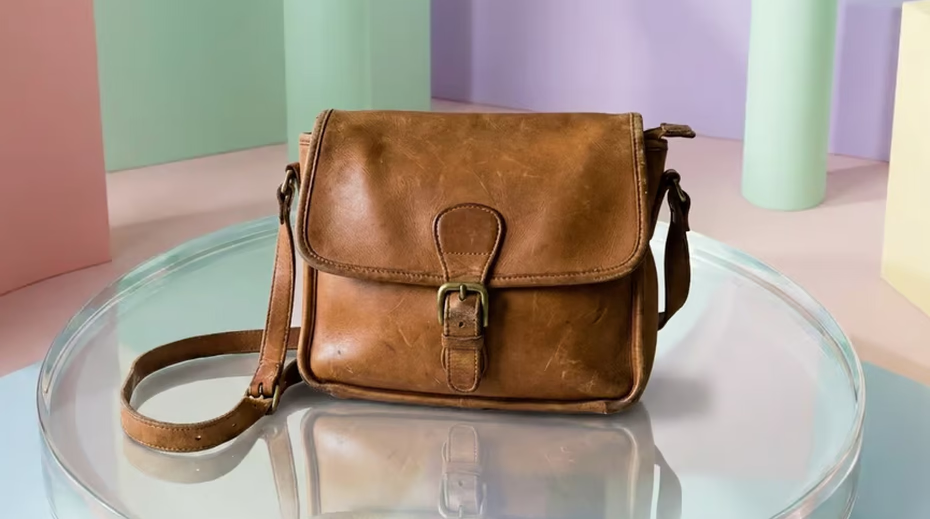 After




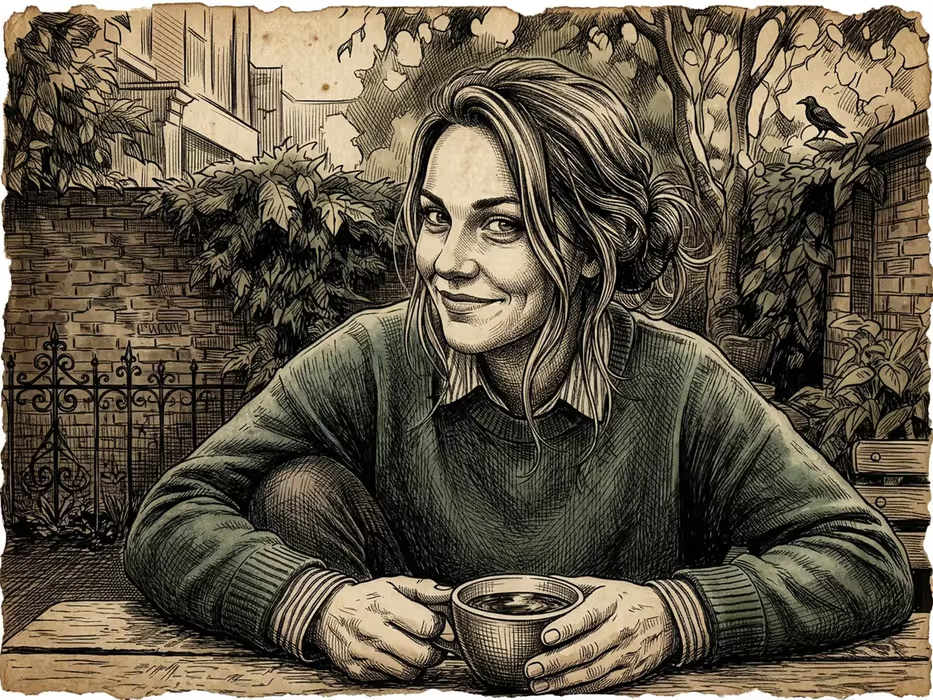








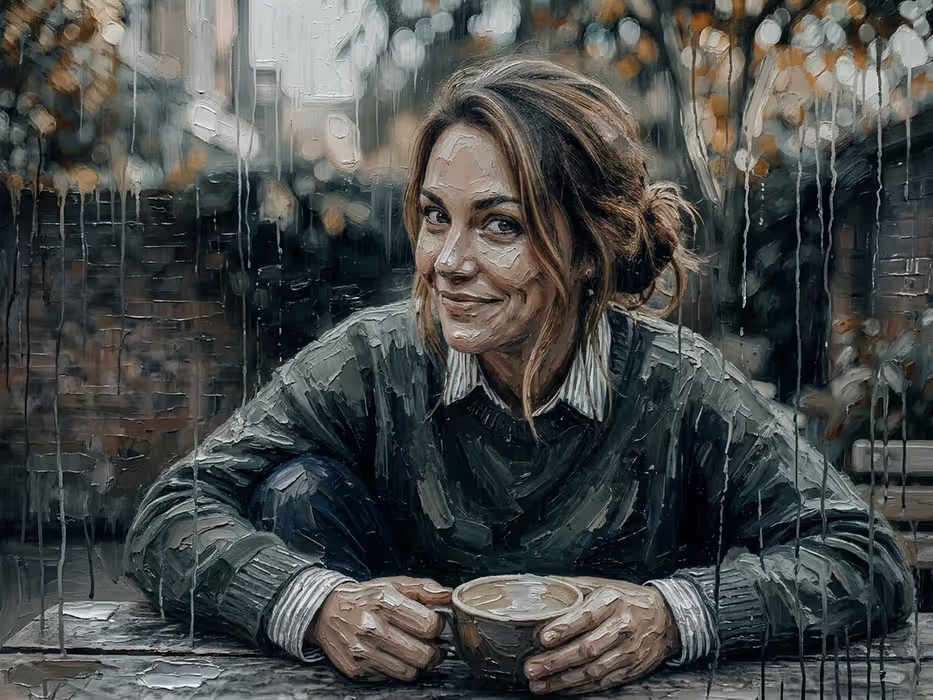



Your photos have depth. Use it.
DepthField knows how far away everything in the picture is, so blur, light, fog and paint land where they would in the real scene.
Drop to combine
Drag one picture onto another and let Combine with AI take it from there. Behind the scenes, an AI agent tries to guess your intent and adds a few creative ideas of its own. Pick one with a click, or simply type what you want.
A photo is a held breath. Let it out.
14-day free trial No account, no card macOS 26+, Apple Silicon
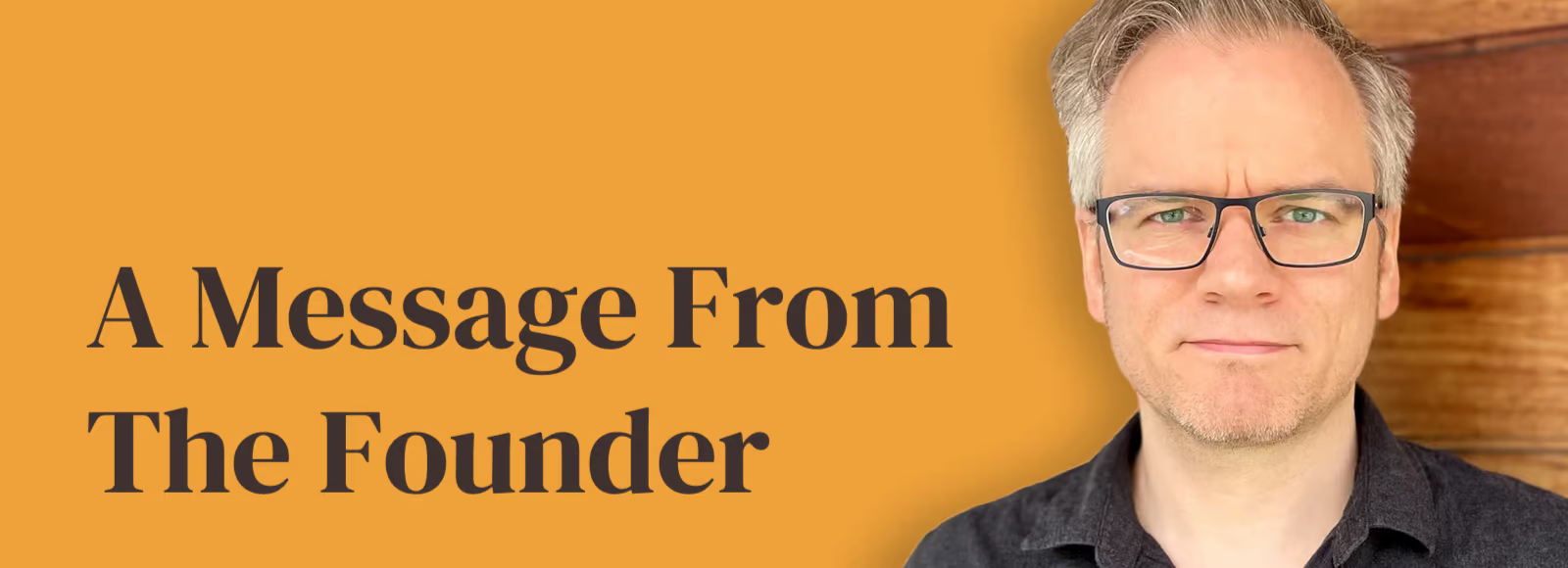

Hi, I'm Jens.
I've been building software for three decades, and DepthField Photo is the editor I always wanted: the one science fiction kept promising, where the computer understands what you mean and editing feels like magic. "Enhance!"
There are no investors and no growth marketers. Every note you send from the app's Feedback button goes straight to me.
The latest AI models
Anything these models can make, you can make better. DepthField Photo puts the latest and greatest image models at your fingertips.
-
 Google
-
 OpenAI
-
 Black Forest Labs
-
 ByteDance
-
 xAI
-
 Ideogram
-
 Recraft
-
 Alibaba
-
 Microsoft
-
 Meta
-
 MiniMax
-
 Topaz Labs
-

Photographic detail
GPT Image 2.6 Sunburst
-

Product consistency
Seedream 5.5
-

Illustration and logos
Recraft V4.1 Pro
-

Posters and lettering
Ideogram 4.5
-

Layouts and fine text
Nano Banana 2.1
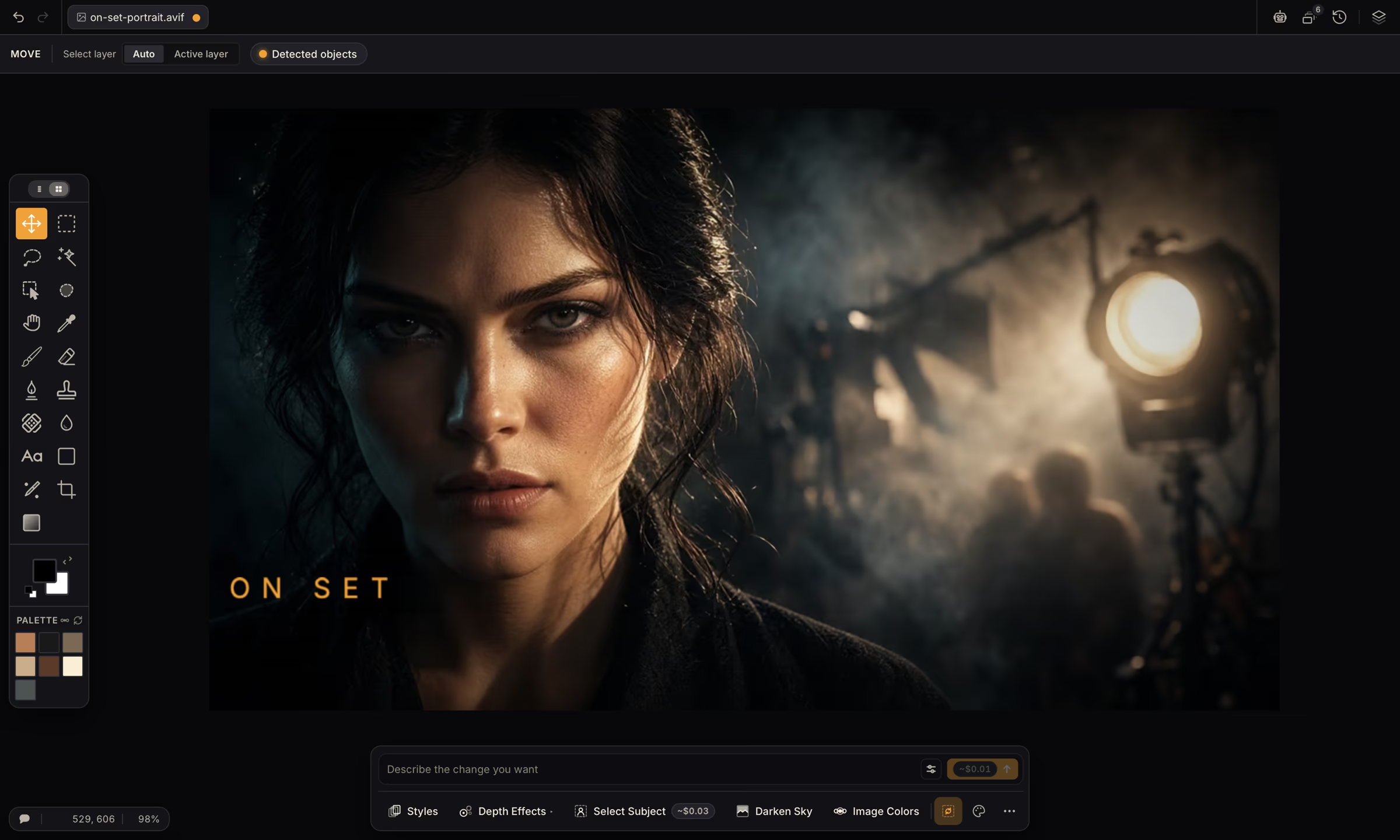
A pro editor underneath
When you want the fine detail controls, they’re all here.
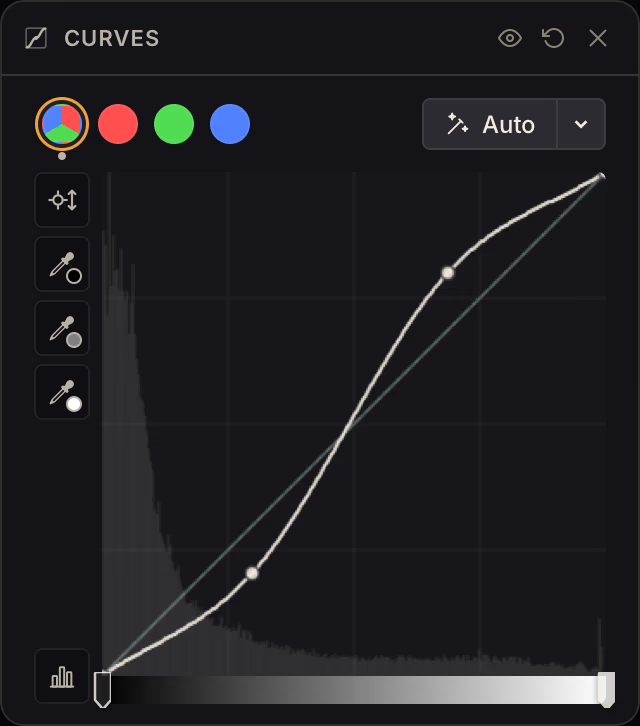
-
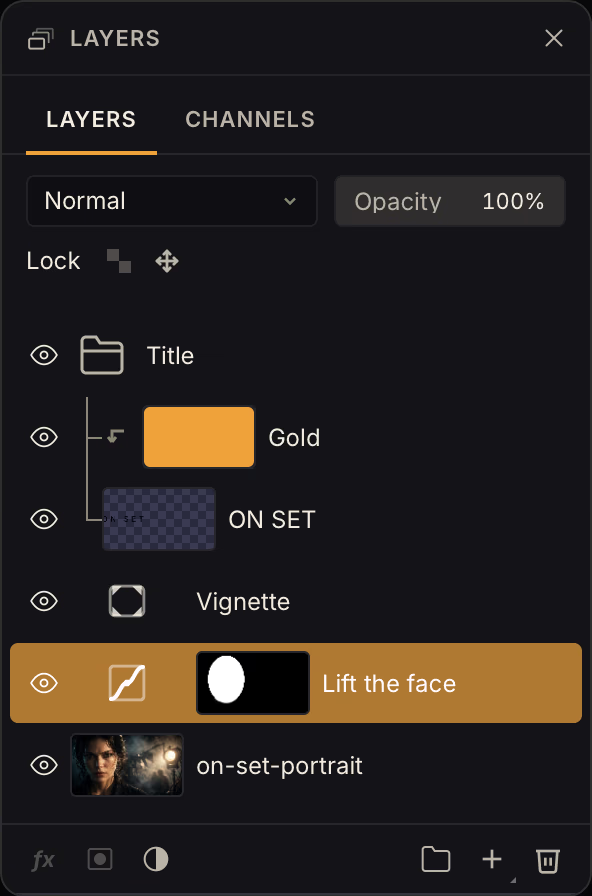
Layers and masks
Groups, clipping masks, AI masks, and 25 blend modes.
-
Live filters
Change any filter later. Non-destructive by default.
-
1,000 undo steps
Plus autosave and crash recovery.
-
GPU accelerated
GPU engine with on-device AI on Core ML and Apple Neural Engine.
-
Works offline
Selections, depth effects, and most editing tools run on your Mac.
-
16-bit color
For smooth skies and gradients with no banding.
-
CMYK and soft proofing
ICC profiles, for print results that match the screen.
-
Opens PSD, AI and PDF
And saves Photoshop files too.
-
.cube LUTs
Bring the color grades you already use.
-
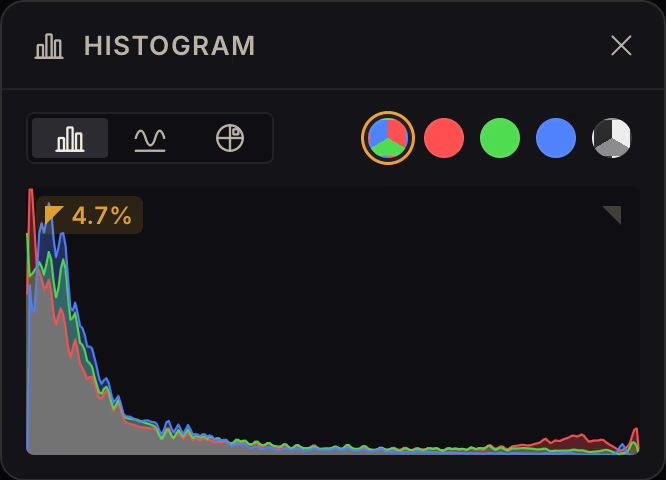
Histogram
Plus Waveform and Vectorscope.
-
Brushes
Pressure and tilt support; import Photoshop and Krita brushes.
-
Text
Google Fonts, text-on-path, text that fits any shape.
-
Paths and shapes
Beziér curves, curvature pen, auto-tracing, and a shape library.
-
Styles and templates
Save a look and reuse it with a click.
-
Export
Auto-crop with AI framing to Instagram, Etsy, or your custom sizes.
-
Your own AI keys
Use fal, Replicate, Wavespeed or Runware at zero markup.
Tools, not taxes
Somewhere along the way, your creative tools became subscriptions. The editor you used to own became a recurring bill, charging you whether you used it or not. The AI inside it gets cheaper to run every month, but you’d never know it from the price of your ever-expiring “credits”.
I believe you should own what you buy, see what things actually cost, and pay only for what you use.
DepthField exists to prove that’s still possible.
Yours forever
$69€69 $29€29
Pay once, for up to two Macs.
Founders' price until , of left
Buy DepthField Photo-
14-day free trial
Every feature. No account, no card.
-
No subscription
Pay once and it’s yours.
-
AI by the edit
Cloud AI billed in dollars as you use it, or your own keys at zero markup.
-
Updates included
Every 1.x update, and a new one lands every couple of weeks.